
Alerts and geofencing
You set the rules, Rotanis watches. When a vehicle crosses a limit, a notification goes to your phone and email.
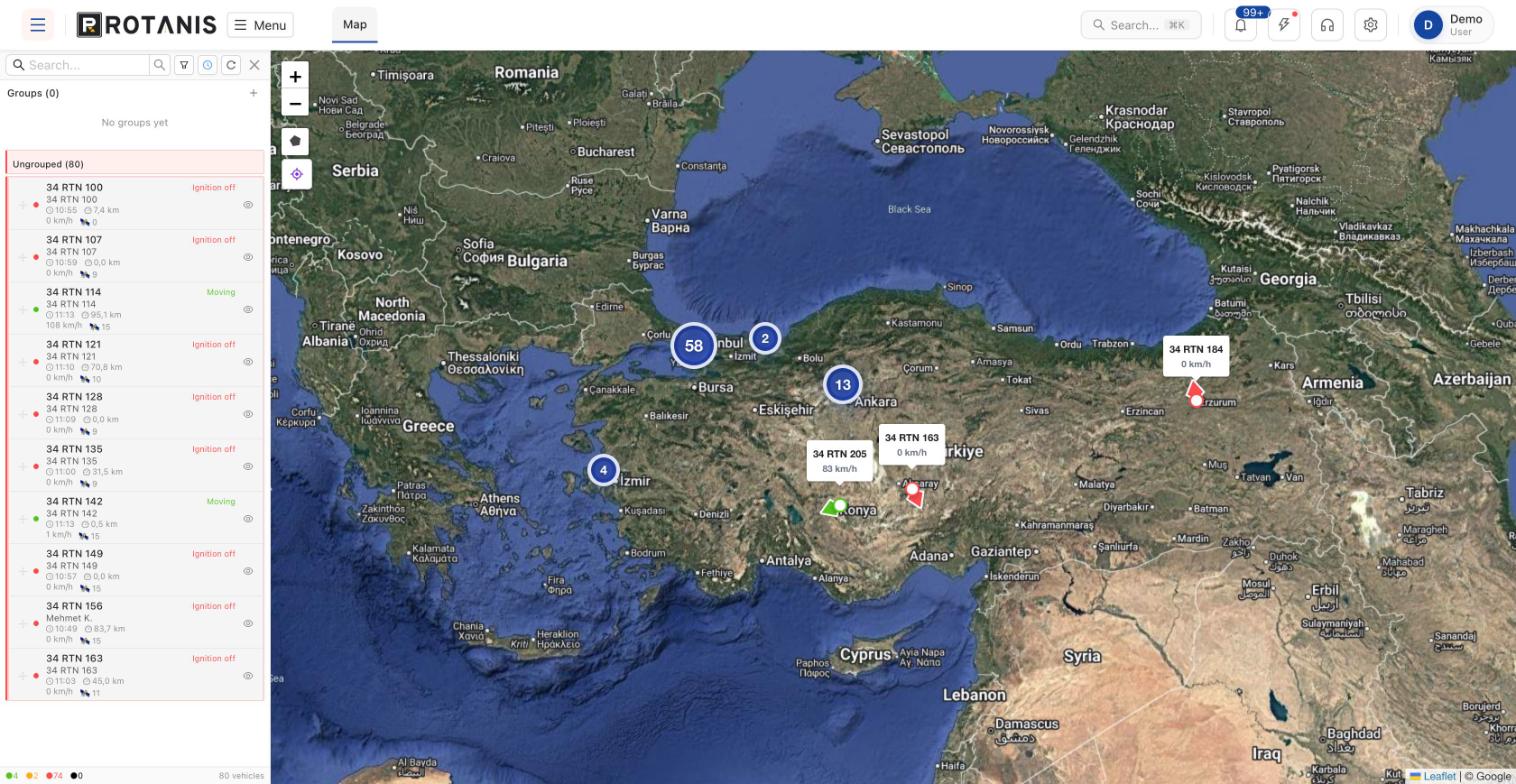
When do you get an alert?
You draw an area on the map: a depot, a construction site, a customer address or a city boundary. When a vehicle enters or leaves this area, you are notified. This is called a zone or geofence.
Besides zones, rules can be set for speed limits, working hours, long idling, device removal and battery disconnection. You decide separately who is notified for each rule.
Key features
Zone entry and exit
For depots, sites and customer locations.
Speed limit
A limit by vehicle or road type.
Out-of-hours use
Vehicles moving at night and at weekends.
Device tampering
An instant alert if the device loses power.
Frequently asked questions
Where are notifications sent?
As push notifications in the mobile app and by email; who receives which notification is defined separately.
How many zones can I create?
There is no practical limit; different zones can be defined for each vehicle group.
Related solutions
Get a quote for alerts and geofencing
Tell us how many vehicles you have and what you need, and we will choose the right devices and package together.
- Free site survey and advice
- On-site installation
- Web platform and mobile app